
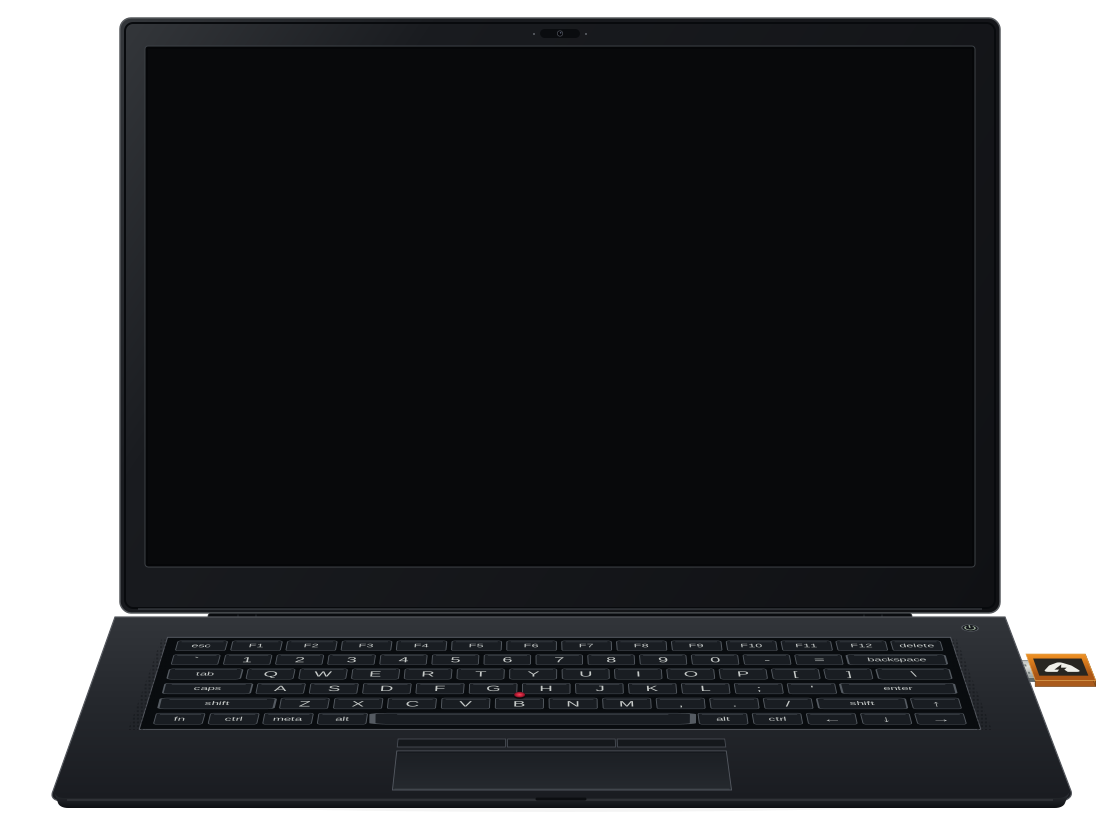

Bring your own laptop
Use a laptop you already own, ideally one made years before Thunder Den existed. There is no Thunder Den hardware shipment to intercept or modify in a supply-chain attack.

Boot from USB without using the laptop's hard drive, Wi-Fi or Bluetooth.
Review and sign transactions from your wallet app using QR codes.
The real USB image, running locally on a virtual computer.
LIVE DEMO: DON'T USE REAL FUNDS
A real Linux system with Bitcoin Core's cryptography, right in your browser.
Usually around 10 seconds. Slower devices may take longer.
The virtual device needs your camera.
Images stay on your device.
You can still enter public test recovery words and view public keys.
Waiting for browser permission...
QR scanning and display are significantly better on a real laptop.
WHY THUNDER DEN
Thunder Den is an offline Bitcoin signer: it uses your secret keys to approve payments without going online. Keeping those keys off your everyday phone or computer reduces their exposure to malware and online theft.
A hardware wallet is one way to keep signing separate. Thunder Den takes a different approach: use a laptop you already own. Start it from a USB drive that contains only software, then enter your recovery words to load your keys into memory. Each session starts fresh. Only your wallet app stays online and exchanges data with Thunder Den through QR codes, without a cable or wireless connection.
Use a laptop you already own, ideally one made years before Thunder Den existed. There is no Thunder Den hardware shipment to intercept or modify in a supply-chain attack.
AI auditability is a design principle. Thunder Den keeps its own code and build process small and readable so you can ask your AI assistant to check its claims against the implementation.
Inspect the source, run the tests and build your own USB image from pinned sources.
Boot your laptop from USB, then enter or scan your recovery words to load your Bitcoin keys into RAM. Thunder Den never saves them to the USB or the laptop's drive.
The system is built without support for disk storage, Wi-Fi, Bluetooth or Ethernet. You load your keys again each session, so keep your recovery-word backup safe.
TAKE IT OFFLINE
Use an x86-64 laptop with an Intel or AMD processor. Download the image, verify its checksum and write it to a USB drive. Start the laptop from USB.
Loading Thunder Den...
Keyboard available after startup